


Prism
Prism turns a Steam Deck into a living-room console: one home screen for Steam games, emulated games and Plex movies and TV, with the habits of a real console.
A console, not a launcher
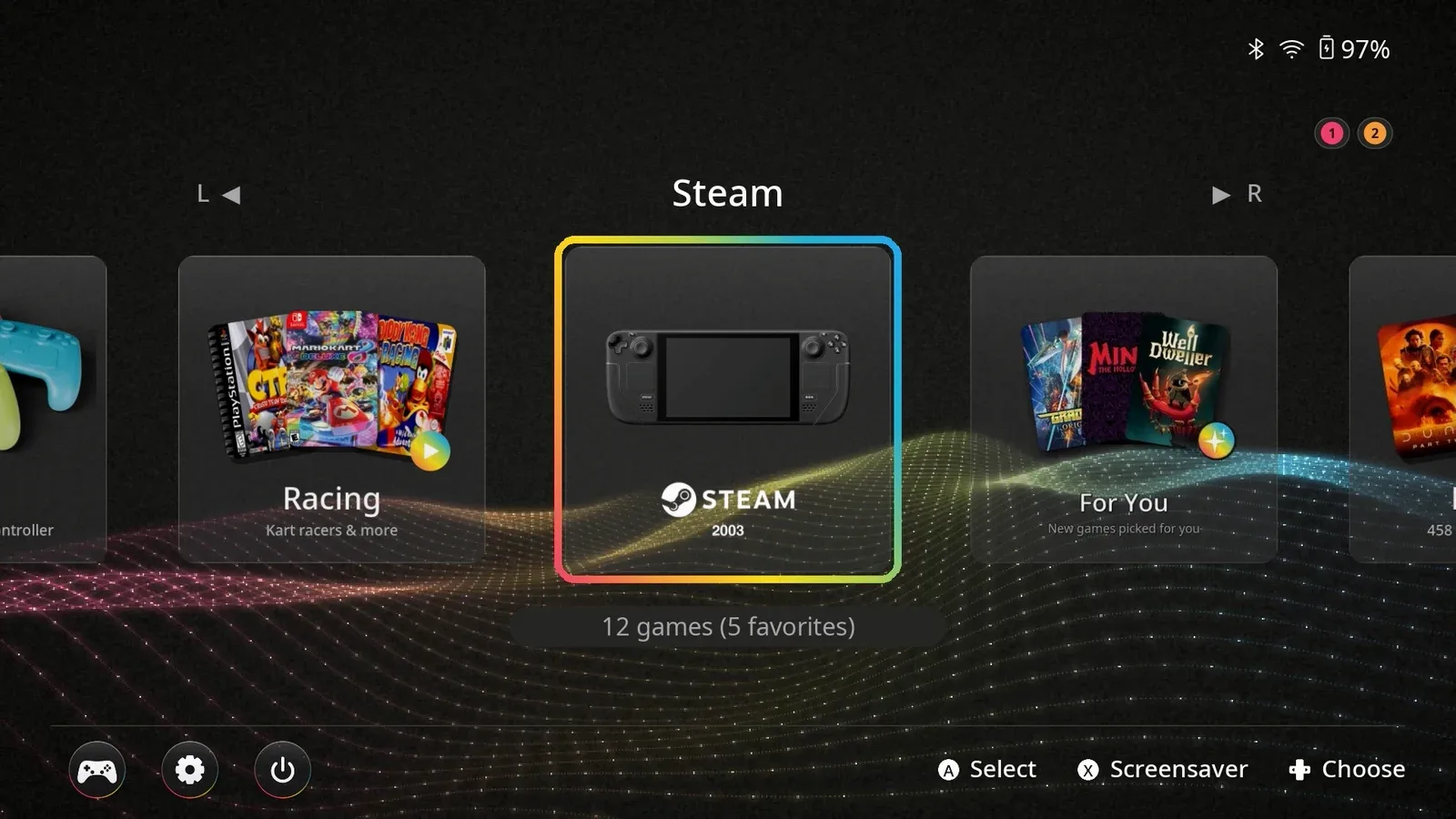
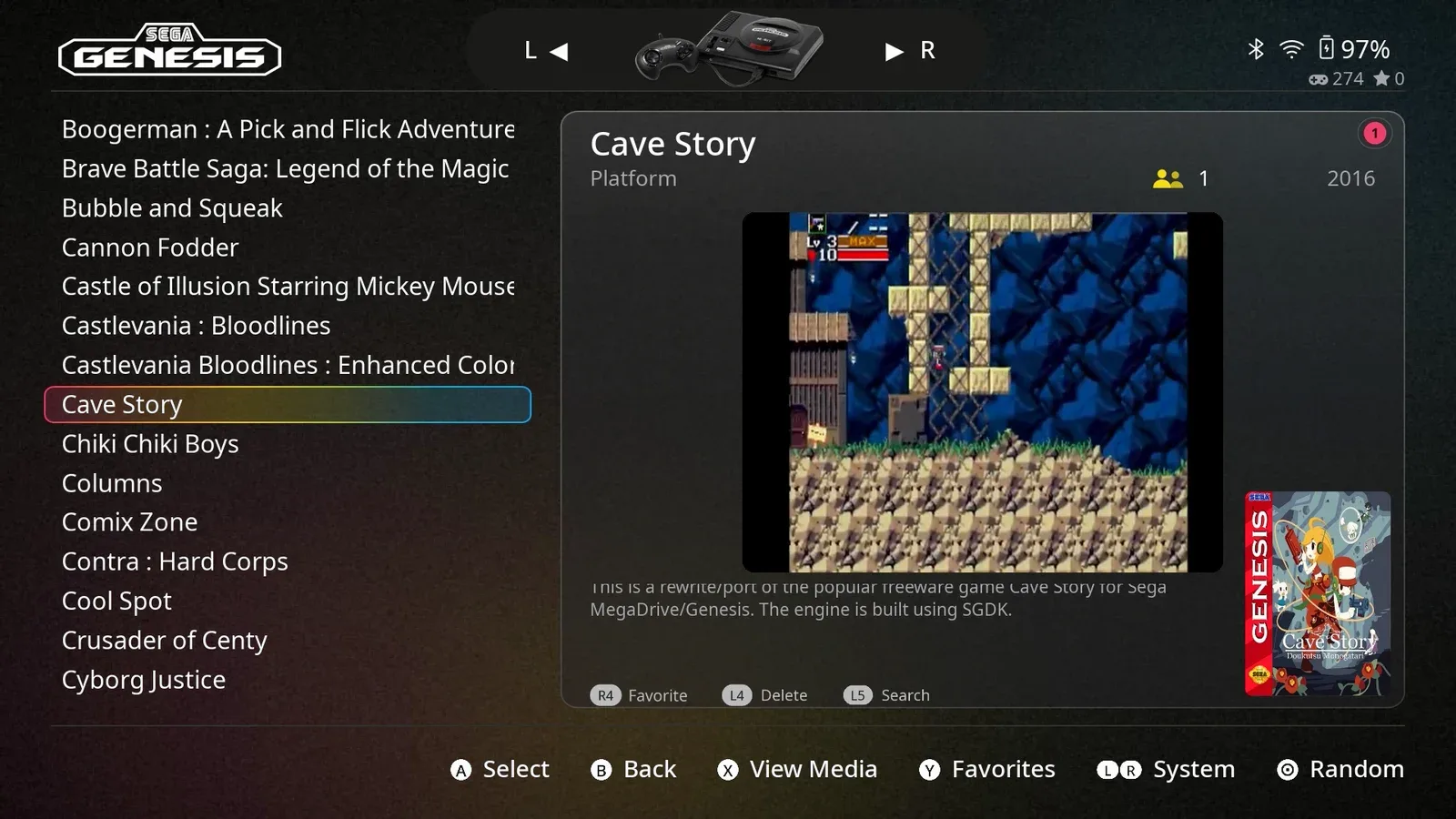
A Steam Deck docked to a TV can play almost anything, but it still behaves like a PC: a desktop, menus that assume a mouse, settings to fix every time. Prism boots straight into one home screen that holds your Steam games, your emulated games and, if you want, your Plex movies and TV, and makes the whole thing behave like a console.
I designed and built it end to end: the home screen and its collections, the in-game card, controller handling, and the background services that run in Steam's Game Mode. It's built on ES-DE with a small patch and its own theme.
The Steam button card
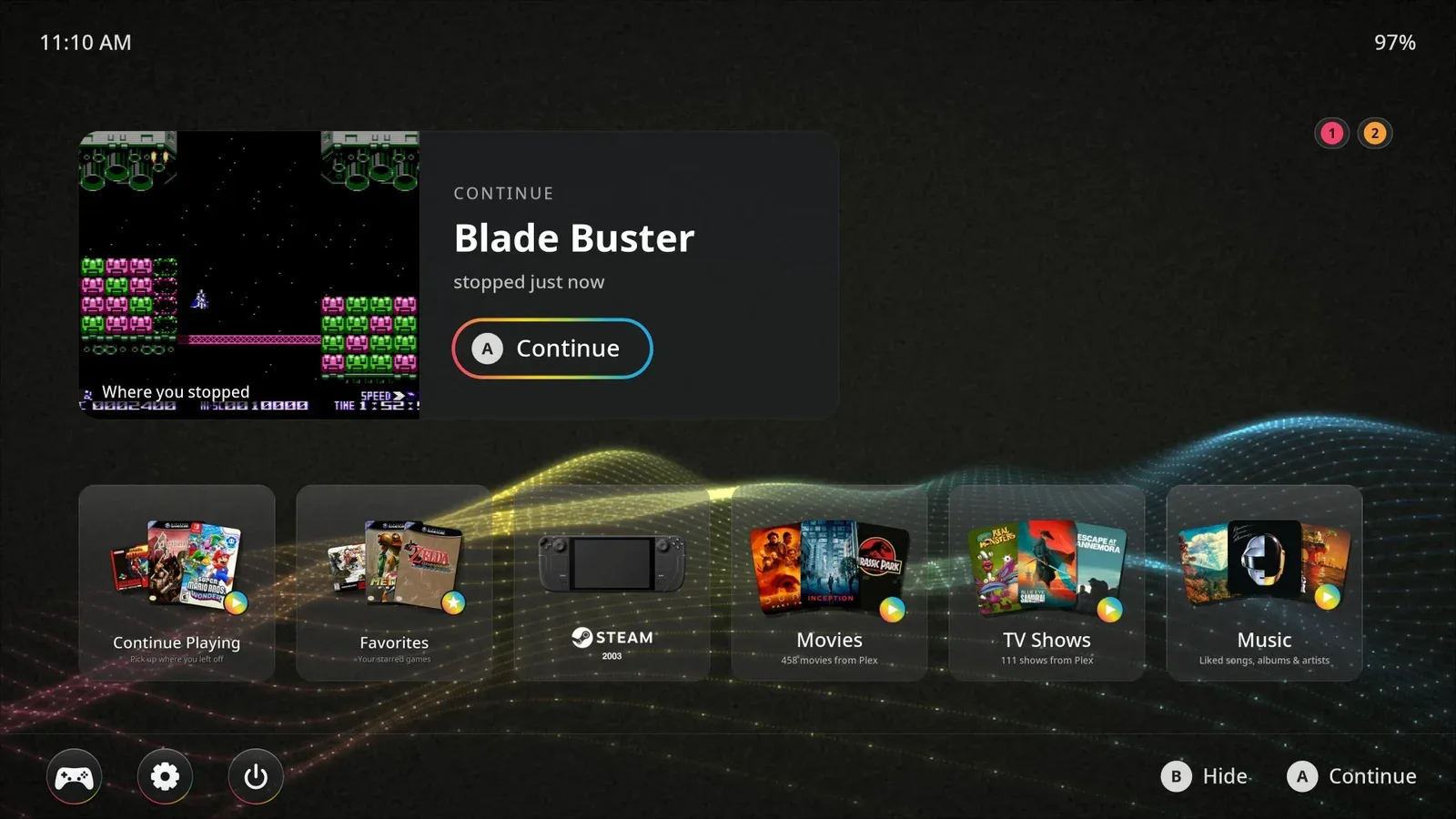
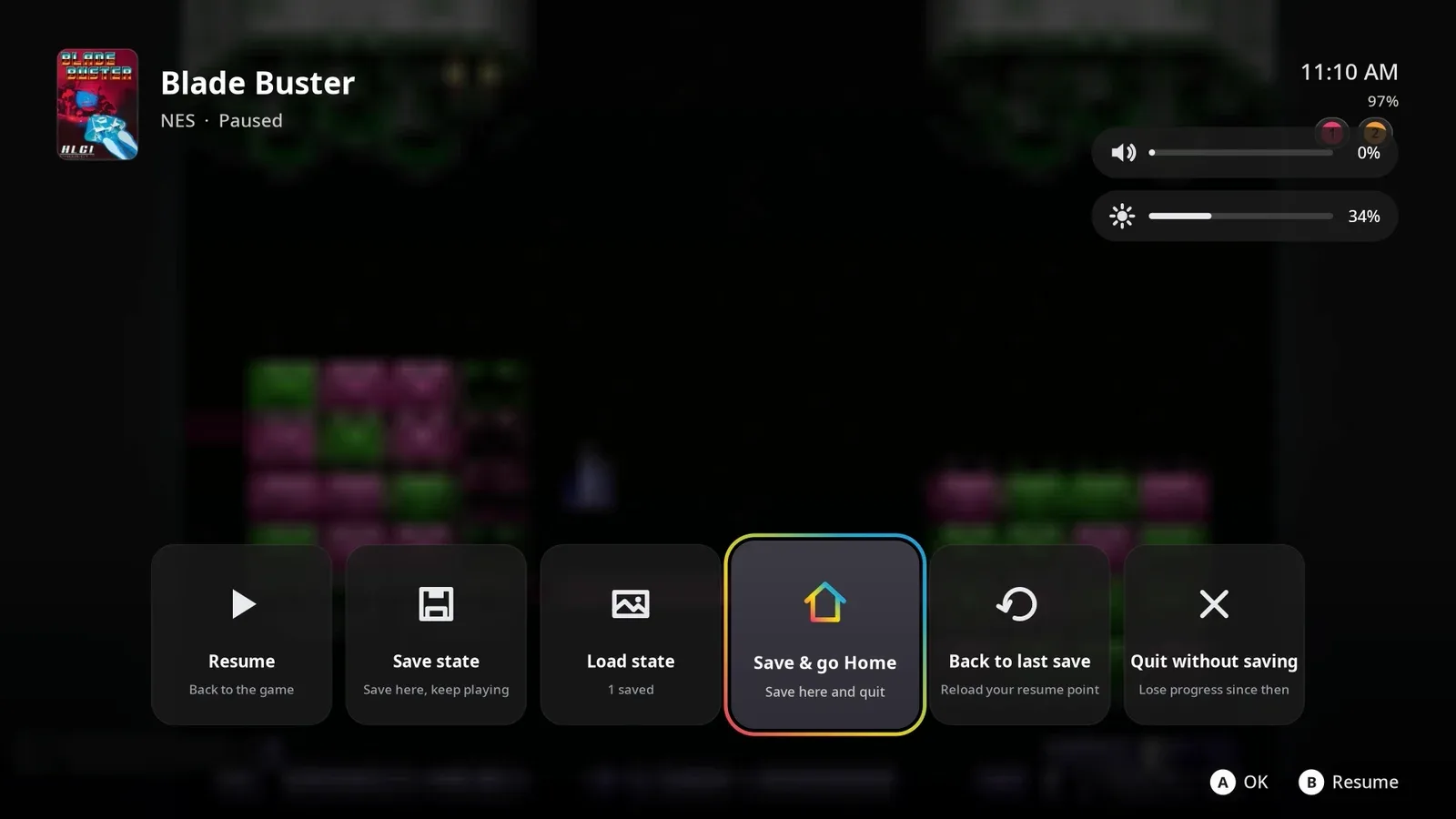
On a console, one button always takes you somewhere safe. In Prism, the Steam button opens a card over any game, in any emulator: resume, save state, load state, save and go home, or quit. When you come back, a Continue screen picks up right where you stopped.
Built for the couch
- Player numbers follow who picked up first. Controllers get numbered in the order people press a button, and that order carries into every emulator, so local multiplayer just works.
- New games show up on their own. Install a Steam game or copy a ROM to the SD card, and it appears in Prism with a "New in Prism" note.
- It takes care of itself. Docking switches resolution and controls automatically, the screen dims and sleeps when nobody's playing without stopping downloads, and a rescue chord (hold L5 and R5) always brings you back home.
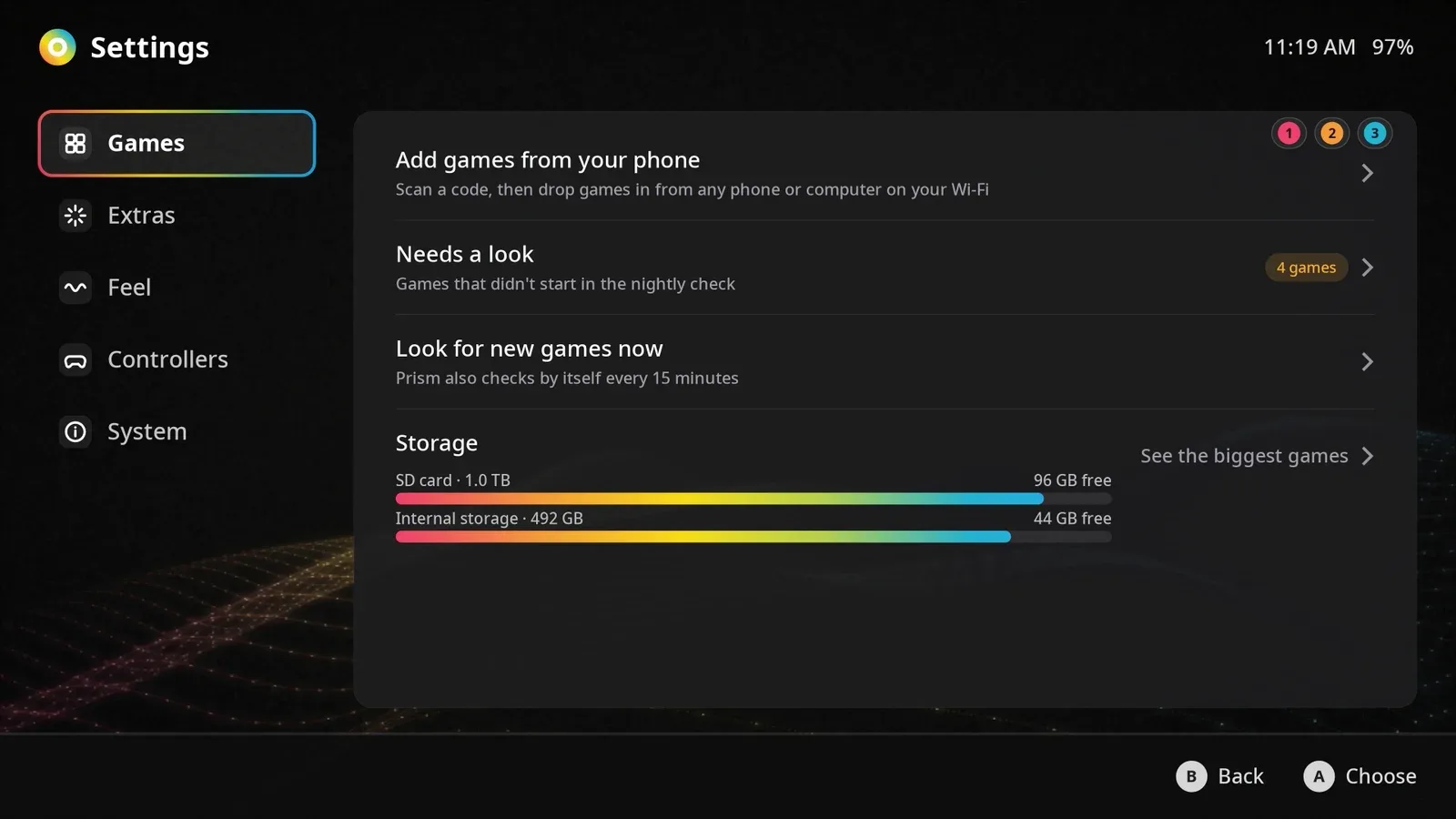

Games played on screen are homebrew and freeware (Blade Buster, Cave Story). Box art in the menus comes from my own library. Prism is source-available under the PolyForm Noncommercial license.