vita-agent-bridge
See and control a PS Vita over the network, and let an AI agent do it. A kernel plugin and service that capture the screen, inject input and manage files, with an MCP server for AI agents.
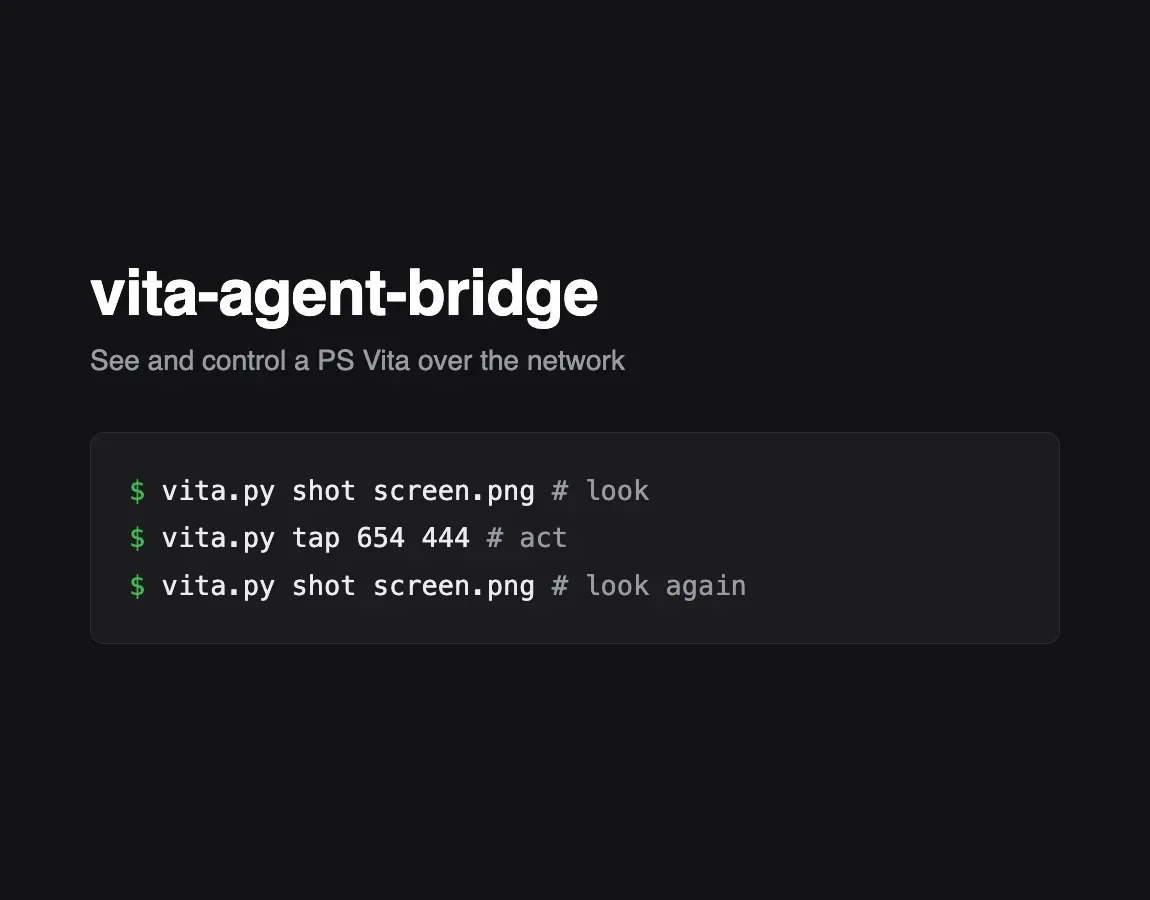
Look, act, look again
vita-agent-bridge runs inside the PS Vita's own shell, so it keeps working while games launch. It captures the screen, injects buttons and touch, launches apps, reads and writes files, and can reset a stuck console. A command-line tool drives it from a terminal, and an MCP server gives the same abilities to AI agents like Claude.
With screenshots in the loop, an agent can work the console on its own: install homebrew, walk through a menu, check that an app booted, or pull a log off the memory card.
Why I built it
- Automated testing on real hardware, with no capture card.
- Remote debugging while an app is still running.
- Agent-driven setup of a fresh console, checking its own work from the screen.
It's built with safety in mind: no token file means no open port, and every upload is verified with a checksum on the console.
Designing for an AI user
Most of my work is designing for players. Here the main user is an AI agent, and it needs the same things a person does: to see what's on screen, to act, and to check whether that worked. So the whole tool is built around one loop.
- Look: screenshot
- Act: press, tap, launch
- Look again: did it work?
Every command is small and predictable so an agent can chain them, and errors say plainly what went wrong, like "busy, try again", instead of failing silently.
Key decisions
- Live where games can't evict it. Other tools die when a game launches. This one runs inside the system shell, so the agent never loses its eyes and hands.
- Fail closed. No token file means no open port. Writes are fenced away from system folders that could stop the console booting, and every upload is checked before it replaces anything.
- Limits on purpose. Two transfers at a time, because three once knocked the console off Wi-Fi. A clear "busy" is better than a crash.
- Same tools for people and agents. A command-line tool for me, and an MCP server with 23 tools for agents like Claude, both on the same protocol.
What I learned
Agents run into the same rough edges people do. The system shell ignores injected buttons but accepts touch, and the confirm button changes between the shell and apps. Writing those quirks down plainly turned out to be as important as the code, because that's what lets an agent, or the next developer, recover on their own.